
Without data, marketing decisions are just guesses. Google Analytics gives a clear picture of who your visitors are and how they interact with your site, for free, which is exactly why there's no good excuse to run a website blind.
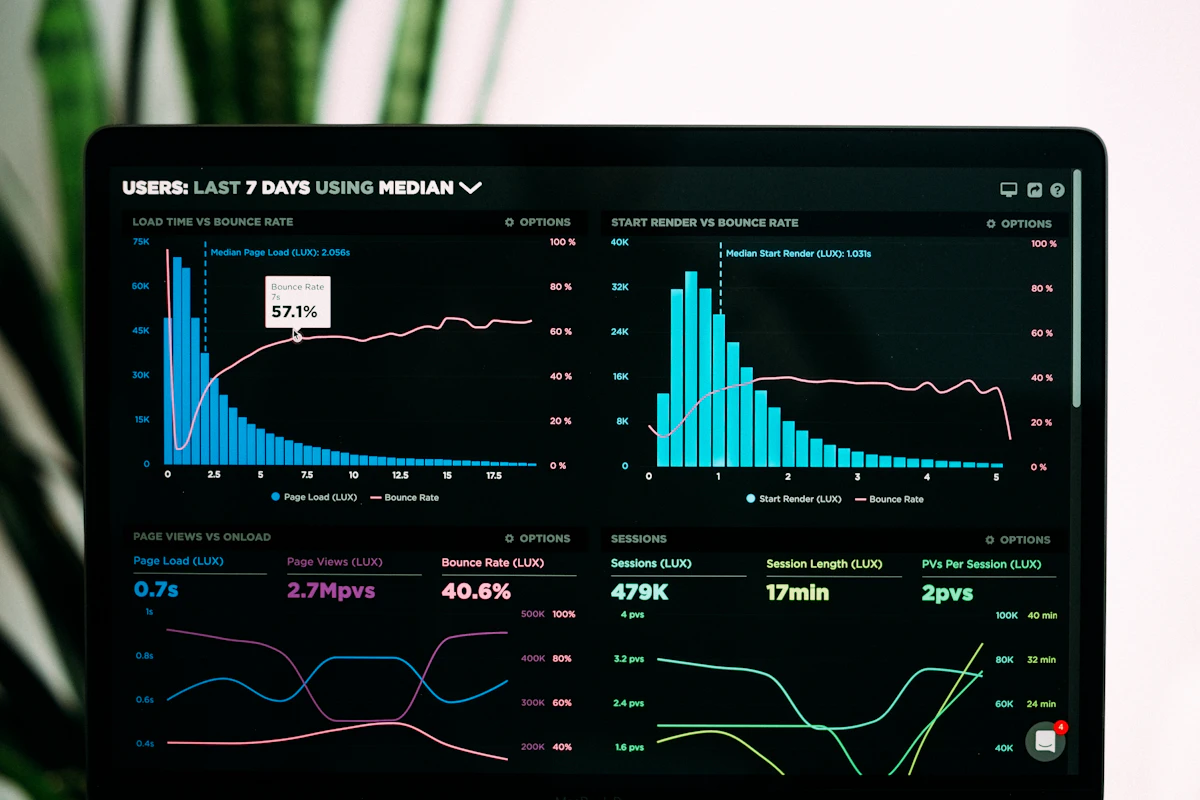
Key Metrics to Track First
| Metric | What it tells you |
|---|---|
| Visitors & traffic sources | Where your audience is actually coming from, not where you assume |
| Most-visited pages | What content or products genuinely attract attention |
| Conversion rate & paths | Which journeys lead to a sale versus which ones stall |
| Time on site & bounce rate | Whether visitors engage or leave almost immediately |
From Data to Action
Data is only useful when acted upon. If a page has a high bounce rate, review its content, slow load time, mismatched expectations from the ad that brought them there, or simply unclear messaging are the usual culprits. If one traffic source converts well, invest more effort there instead of spreading budget evenly across channels that aren't performing.
"Organizations that base decisions on data are three times more likely to report significant improvements in decision-making compared to those that rely on intuition alone."
McKinsey Global Survey on data-driven decision making
Common Mistakes That Waste the Data
The most common mistake isn't missing data, it's checking it once a month without a clear question in mind. Analytics becomes useful when you check it with a specific question: "did last week's campaign actually bring in qualified visitors?" or "why did conversions drop after the homepage redesign?" Browsing the dashboard without a question rarely leads to a decision.
A second mistake is tracking too many metrics at once. Start with the four in the table above. Add more dimensions, like specific landing page funnels or audience segments, only once those four are part of a regular weekly habit.
This week's exercise: open your analytics and find the single page with the highest bounce rate that still gets meaningful traffic. That page is your fastest win, fixing it usually has more impact than launching something new.
Frequently Asked Questions
Do I need Google Analytics if my site already gets reports from ad platforms? Yes. Ad platforms only show what happens within their own ecosystem. Google Analytics shows the full picture across every traffic source, including organic search and direct visits that ad dashboards can't see.
How often should a small business check analytics? Weekly is enough for most small businesses, frequent enough to catch problems early, infrequent enough to avoid overreacting to daily noise that has no real pattern behind it.
Conclusion
Google Analytics turns marketing from guesswork into evidence-based decisions, free and accessible to any business. The dashboard itself changes nothing; what changes outcomes is the habit of checking it with a question and following through on what the answer reveals.


